
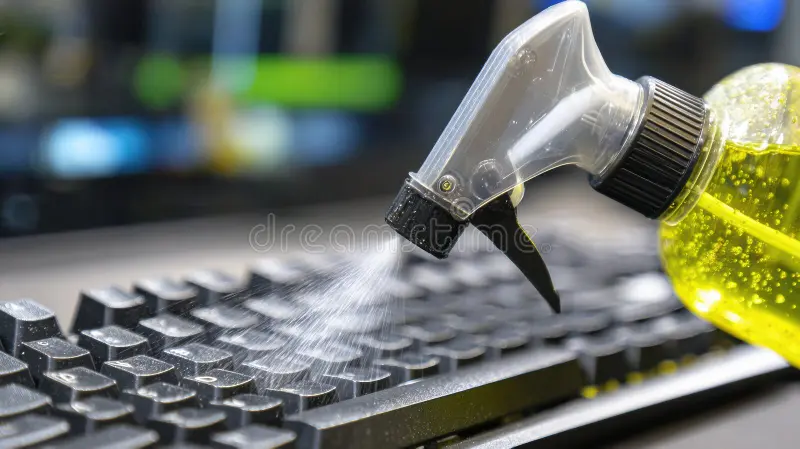
Keeping your PC clean isn’t just about aesthetics — it directly affects airflow, cooling efficiency, and the lifespan of your components. But using the wrong cleaning liquid can damage screens, strip coatings, or even short out electronics. To help DIY PC owners clean safely and effectively, here are the three best types of computer‑safe cleaning liquids, what they’re used for, and why they work.
1. Anti‑Static Electronics Cleaner — Best for Exterior Surfaces
Anti‑static cleaners are the safest choice for cleaning the outside of your PC and peripherals. They’re formulated to remove dust, fingerprints, and oils without leaving streaks or residue. The anti‑static properties help prevent dust from re‑clinging, which is especially useful around intake vents, keyboards, and mice.
Why it’s good for computers:
- Reduces static buildup that can attract dust
- Safe for plastics, metal cases, and peripherals
- Leaves a clean, streak‑free finish
- Ideal for routine exterior cleaning
If you’re wiping down your tower, keyboard, mouse, or desk‑level accessories, this is the liquid you want.
2. Screen‑Safe Cleaning Solution — Best for Monitors & Displays
Modern monitors have delicate coatings that can be damaged by alcohol, ammonia, or general household cleaners. A screen‑safe cleaning solution is specifically designed to protect these coatings while removing fingerprints, smudges, and dust.
Why it’s good for computers:
- Alcohol‑free and ammonia‑free
- Safe for LCD, LED, OLED, and glossy displays
- Prevents streaking and cloudiness
- Protects anti‑glare and anti‑reflective coatings
If you’ve ever cleaned a monitor and ended up with streaks or rainbow smears, a proper screen cleaner solves that instantly.
3. High‑Purity Isopropyl Alcohol (90%–99%) — Best for Internal Components
When it comes to cleaning inside your PC, nothing beats high‑purity isopropyl alcohol. It evaporates quickly, leaves no residue, and safely dissolves grime, thermal paste, and sticky buildup on electronics.
Why it’s good for computers:
- Evaporates fast, minimizing moisture exposure
- Leaves no residue on PCBs or metal surfaces
- Safely removes thermal paste and stubborn grime
- Ideal for fans, heatsinks, and internal components
This is the go‑to liquid for DIY builders, repair techs, and anyone doing deeper maintenance.
Which Cleaning Liquid Should You Use?
- Cleaning your case, keyboard, or mouse? Use an anti‑static cleaner.
- Cleaning your monitor or laptop screen? Use a screen‑safe solution.
- Cleaning inside your PC or removing thermal paste? Use high‑purity isopropyl alcohol.
Using the right liquid for the right job keeps your PC safe, clean, and running efficiently — and helps you avoid costly mistakes like streaked screens or damaged coatings.

