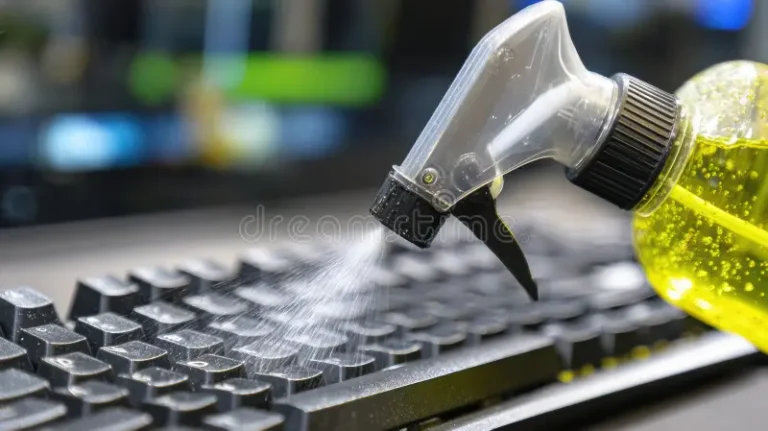

Keeping your laptop clean isn’t just about aesthetics. Dust buildup, clogged vents, sticky keyboards, and smudged screens all affect performance, temperature, and even the lifespan of your device. Knowing when to clean your computer — and how often — helps you avoid overheating, slowdowns, and costly repairs.
How Often Should You Clean Your Laptop?
The ideal cleaning schedule depends on how and where you use your device, but here’s a reliable baseline:
Every Week
- Surface wipe-down — Remove fingerprints, oils, and dust from the lid, palm rest, and screen.
- Keyboard quick clean — Shake out crumbs, use compressed air, and disinfect keys.
Every 1–2 Months
- Vent and port cleaning — Blow out dust from vents and ports to maintain airflow.
- Fan noise check — If fans sound louder than usual, dust may be building up inside.
Every 6–12 Months
- Internal cleaning — Open the laptop to remove dust from fans, heat pipes, and internal components.
- Thermal paste inspection — Replace thermal paste every 1–2 years if temperatures are rising.
Signs Your Laptop Needs Cleaning Right Now
Even if you follow a schedule, your laptop will sometimes tell you it needs attention sooner. Watch for:
- Overheating — The bottom gets hot quickly or stays hot constantly.
- Loud fans — Fans run at full speed even during light tasks.
- Performance drops — Apps lag, freeze, or take longer to load.
- Dust around vents — Visible buildup means internal buildup is worse.
- Sticky or unresponsive keys — Dirt under the keyboard can cause key issues.
If you notice any of these symptoms, clean your laptop immediately — waiting can cause permanent damage.
Factors That Change Your Cleaning Frequency
Your environment and habits matter. You may need to clean more often if you:
- Use your laptop on soft surfaces — Beds, couches, and blankets block airflow.
- Have pets — Pet hair clogs vents and fans quickly.
- Eat near your laptop — Crumbs and oils attract dust.
- Live in a dusty or humid area — Dust and moisture accelerate buildup.
- Game or edit video — High-performance tasks generate more heat.